26 tools · free to use

Resize any image,
in seconds.

Drop an image in the tool beside you — set new dimensions or shrink the file itself. Then explore 26 sharp utilities for crop, compress, convert and more.

No watermarks Instant results Free, no sign-in
Resize & compressTry it right here

Drop an image to resize or shrink

or browse your files · paste from clipboard

About

Your image. The right fit.

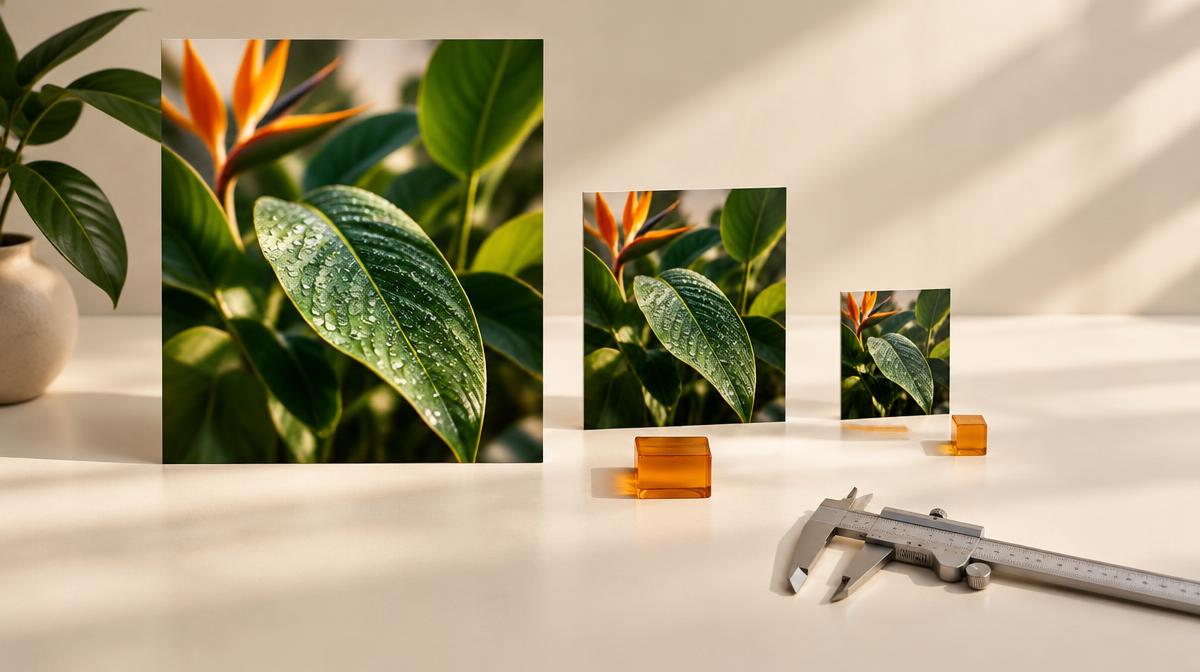
A photo may need fewer pixels for a page or a smaller file for an upload. Resize Imager helps with both: set the dimensions you need, adjust compression, and prepare a version that suits where your image is going.

Explore 26 tools for cropping, conversion, image adjustments, and more. From a product photo to a presentation graphic, choose the changes your file needs without starting your edit from scratch.

Tools
26

Tools

Results
Instant

Results

To use
Free

To use

"Keep the subject. Adjust the size. Make it fit."

— The idea behind Resize Imager

Set dimensionsReduce file sizeCrop the frameConvert formats
Popular conversions

Need a different format, not a different size?

Two one-click converters handle the swaps people reach for most.

Essentials

Everyday operations on any image file.

5 tools

Enhance

Adjust the look — light, color, sharpness.

5 tools

Convert

Turn one file type into another in a click.

11 tools

Utilities

Specialty tools that save real time.

5 tools
The ultimate image resizer

ResizeImager.com – Your Ultimate Image Resizer Online

Welcome to ResizeImager.com, your one-stop solution for all image resizing needs. Resize image files quickly, reduce image size in KB without compromising quality, or adjust dimensions in pixels. Resize image to 20KB, 50KB, 100KB, or any custom size — optimize images for web, email and social media in seconds.

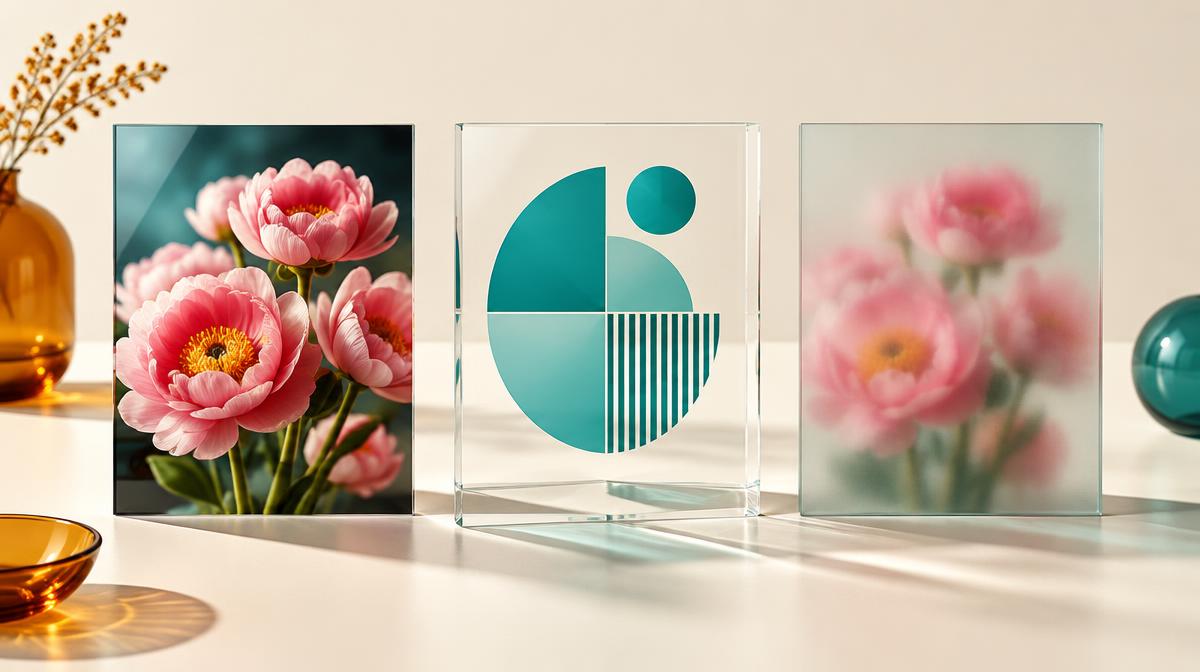
Designed for speed, simplicity, and reliability. No software downloads, no fuss — just upload, resize, and download. Need a different file type instead of a different size? Convert JPG to PNG for lossless, transparency-ready graphics, or PNG to JPG when a photo file needs to shrink. Your photos and graphics stay sharp while meeting your exact requirements.

Why choose ResizeImager.com?

Large files slow down websites, clog storage, and complicate sharing. Our image resizer online solves that.

Seamless resizing

Resize pixel dimensions or compress to specific sizes like 20KB with precision.

Quality retention

Reduce image size in KB while keeping visuals crisp, avoiding pixelation.

Multiple formats

Supports JPEG, PNG, WebP, GIF and more — with one-click JPG to PNG and PNG to JPG conversions.

Completely free

Unlimited resizing with no hidden costs — for bloggers, photographers and businesses.

How to use our image resizer

  1. 1
    Upload image

    Drag and drop or browse to select your file.

  2. 2
    Choose settings

    Set pixel dimensions (e.g. 800×600) or lower quality to hit a target like 50KB or 100KB.

  3. 3
    Convert if needed

    Switch formats with the JPG to PNG or PNG to JPG converter before you export.

  4. 4
    Download

    Preview and save your optimized image instantly.

Pro tips for best results

Compression balance

Use 70–80% quality for photos to reach ~20KB without noticeable loss.

Maintain aspect ratio

Lock ratios to prevent distortion when resizing pixels.

Device optimization

Aim under 100KB for mobile and up to 500KB for desktop.

Pick the right format

Photos belong in JPG, graphics and screenshots in PNG. If you have the wrong one, the PNG to JPG converter usually cuts a photo file to a fraction of its size.

Benefits of reducing image size in KB

Faster websites

Resized images can cut load times significantly, boosting SEO.

Storage efficiency

Smaller files save space on cloud platforms like Google Drive.

Email compatibility

Resize image to 50KB so attachments send smoothly.

Social media ready

Optimized images for Instagram, X and more keep quality after upload.

E-commerce boost

Fast-loading product photos help increase conversions.

Who uses ResizeImager.com?

Bloggers

Resize images for posts to fit themes and improve load times.

Photographers

Reduce image size in KB for portfolios with high-quality previews.

Developers

Resize pixels for responsive web designs.

Professionals

Resize image to 100KB for resumes, forms or reports.

Why Resize Imager

Built different from the typical online editor.

No accounts, no watermarks, no upsells. Just fast tools that respect your time and your files.

Fast processing

Every tool uses Canvas and WASM for near-instant edits right in your tab.

Instant results

No queue, no waiting room. Edits apply the moment you move a slider.

No accounts

Open a tool, drop a file, download the result. No sign-up, no watermark, no upsell.

Light & fast

Under 200KB of UI. Works on a 5-year-old laptop and on mobile.

26 tools, one toolkit

Crop, resize, compress, convert, filters, watermark, BG remover and more.

Works anywhere

Modern tools that load quickly and work on any device.

Editing perspectives

Everyday editing perspectives.

4.9 average · 8,300+ users
A tighter crop and the right dimensions can turn one product photo into a useful graphic for several layouts.
MB
Maya Bennett
Graphic designer
Preparing screenshots means balancing readable detail with a manageable file size. Having both controls makes the choice clearer.
EB
Ethan Brooks
Web developer
A campaign image often needs a different shape for each channel. Cropping first and resizing next keeps the subject in focus.
SP
Sofia Patel
Content creator
For a sharing copy, I would check the dimensions, compare compression settings, and keep the original photo unchanged.
OR
Oliver Reed
Photographer
Answers

Frequently asked questions.

How do I resize image to 20KB?+

Upload your file, set a lower quality or smaller dimensions in the Compress or Resize tool, and download the optimized result.

Can I resize pixels without quality loss?+

Yes. Keep the aspect ratio locked and use PNG output for maximum clarity.

Is ResizeImager.com free?+

Yes — 100% free with no watermarks. Every tool on the home page works the same way.

How does reducing image size in KB help SEO?+

Smaller images improve page speed, a key Google ranking factor.

Which formats are supported?+

JPEG, PNG, WebP, GIF and more. For a straight format swap, use the JPG to PNG or PNG to JPG converter.