How to Optimize Website Images for Speed and Image SEO
Prepare correctly sized images, choose useful formats, and support discoverability with filenames, alt text and page context.
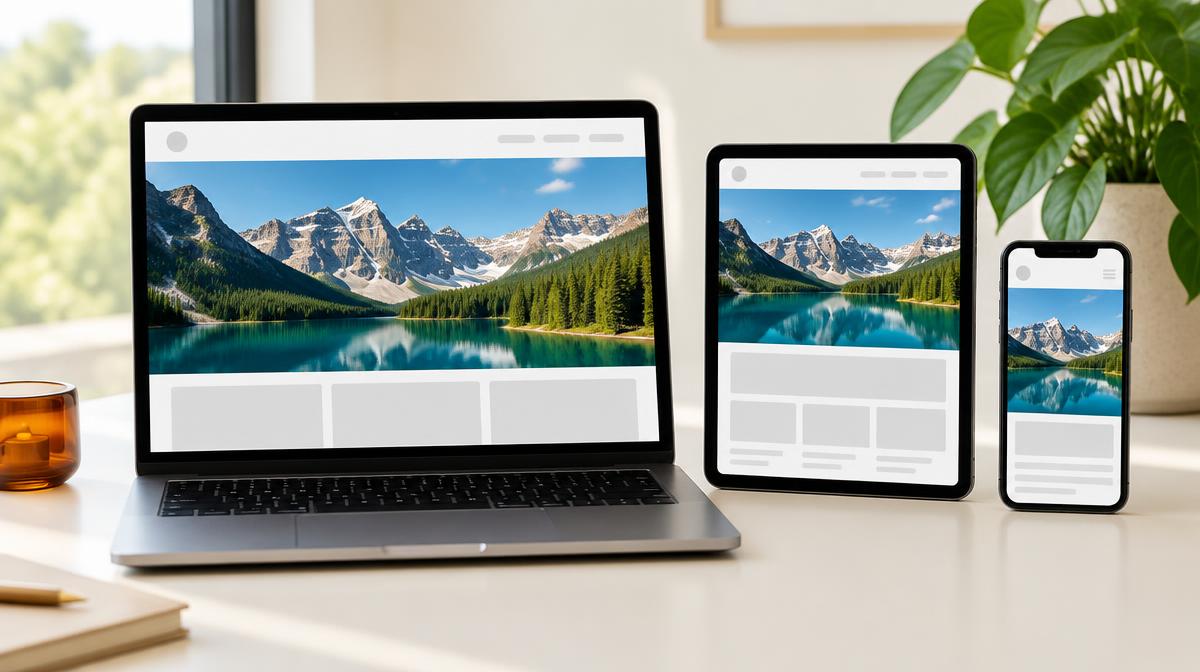
Image optimization is more than moving a quality slider. A useful website image needs appropriate dimensions, an accepted format, a reasonable file size and clear context on the page. Those choices help visitors see the content efficiently and help search engines understand it. No single export setting guarantees rankings or a perfect performance score.
Start with the layout, not the camera resolution
Find the largest space the image needs to fill in your design. A small article card does not need an untouched camera original thousands of pixels wide. High-density screens may benefit from larger sources, but the right size depends on the layout and devices you support. Avoid blindly choosing one universal width for every image.
Use Resize Imager to create copies with suitable dimensions. Keep the aspect ratio locked unless you first crop to the intended shape. For several layouts, prepare different sizes from the same original rather than repeatedly shrinking and recompressing a previous export.
Choose format and quality together
- Photos: compare JPG and WebP when your publishing system accepts both.
- Transparent logos: use an accepted transparency-capable format such as PNG.
- Screenshots and diagrams: check fine text and edges before applying lossy compression.
- Every export: measure actual file size and view the result at its intended display size.
Converting a photo from PNG to JPG can be useful when transparency is unnecessary. Do not apply the same shortcut to a transparent brand mark. Compression results vary with detail, so avoid claims that one quality number always saves a fixed percentage.
Give each image useful context
Use descriptive filenames and place images near relevant text. A filename such as mountain-lake-trail.jpg is more useful than a vague camera sequence for organization and context, but filenames alone are not an SEO strategy. The image should genuinely support the page’s subject.
Write alt text according to the image’s purpose. Describe meaningful content rather than stuffing keywords into it. Decorative images may need empty alt text in the website’s markup. A screenshot conveying a process may need a description or adjacent explanation that makes the information understandable without seeing the picture.
Delivery decisions belong in your website too
Google’s image guidance recommends standard HTML image elements for discoverability and notes that CSS background images are not indexed as images. Your website can also provide responsive source choices so small screens do not always download the largest file. Set stable image dimensions to help avoid layout movement.
Lazy-loading can help images farther down a page, but the main above-the-fold image usually should not be delayed. These are publishing or website configuration tasks: Resize Imager exports image files; it does not add alt text, create srcset markup or configure loading behavior for your site.
A repeatable upload checklist
- 1Keep an original and choose a crop that suits the page.
- 2Export appropriate pixel dimensions for the intended display.
- 3Compare accepted formats and compression settings.
- 4Inspect the downloaded image for artifacts and verify its size.
- 5Add a clear filename and purposeful alt text in the publishing system.
- 6Review the actual page on a phone and a larger screen, checking sharpness and loading behavior.
Common questions
Does a smaller image guarantee better Google rankings?
No. Efficient images can support a better page experience, but rankings depend on many signals. Focus on useful content, relevant images and a technically sound page.
Should every image be WebP?
No. Consider compatibility and the image’s needs. Use the format that provides acceptable quality and features for the destination.
Sources & further reading
Try it yourself.
All 26 tools are ready when you are.
Keep reading

Resize vs. Compress: How to Reduce Image Size the Right Way
Learn when to change pixel dimensions, when to lower file size, and how to combine both without stretching your photo.
How to Reduce an Image Below 100 KB, 200 KB or 1 MB
A careful workflow for meeting upload limits using dimensions, format and quality—with no guaranteed-size shortcuts.