PDF to JPG or PNG: Choose the Right Format and Resolution
Export PDF pages as images, understand the resolution control, and avoid losing the document features you still need.
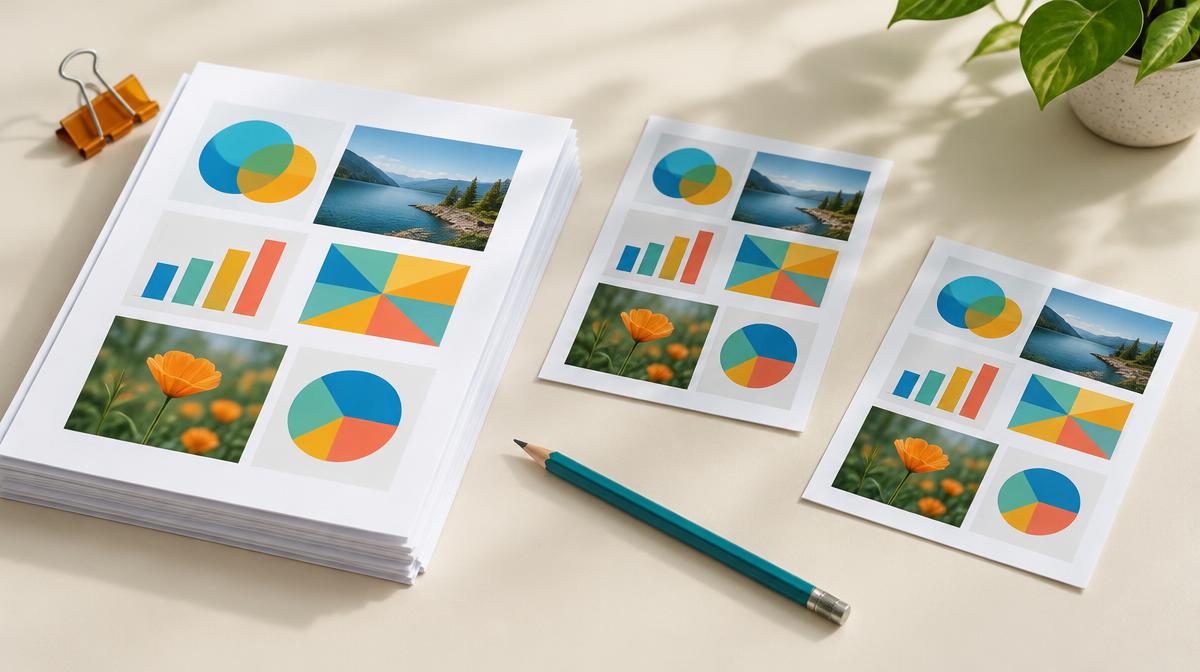
Sometimes you need a PDF page as a picture: a slide preview, a report illustration or an image upload where PDF is not accepted. Exporting to JPG or PNG creates an image of the page, not a fully editable replacement for the document. Choose the format and resolution according to how the exported page will be used.
What PDF-to-image conversion preserves—and what it does not
The tool renders the page’s visible content into pixels. The result can show the original layout, but it no longer contains the PDF’s selectable text, interactive links or document structure in the same way. Keep the original PDF when people need to search, copy text, use links or work with the original document.
| Choice | Useful for | Check before sharing |
|---|---|---|
| JPG | Photo-heavy pages and smaller previews | Text and diagrams may show lossy artifacts |
| PNG | Text-heavy layouts and crisp graphic edges | File size may be larger |
| Higher resolution scale | More pixels for close viewing | Longer processing and heavier downloads |
Choose JPG or PNG based on the page
A page dominated by a photograph can be a good candidate for JPG. A diagram or a report with small lettering may benefit from PNG’s lossless encoding. Neither choice removes the need to inspect the output: a low-resolution PNG can still have unreadable text, and a sufficiently detailed JPG can be adequate for a simple preview.
Export PDF pages in Resize Imager
- 1Open PDF to JPG or PDF to PNG.
- 2Upload the PDF you are allowed to convert.
- 3Choose a resolution scale from 1× to 4×. Start with a modest scale for previews.
- 4For JPG, adjust the quality setting as needed. PNG does not use a JPG-style quality control.
- 5Convert the document, then download the page images and inspect the pages you need.
This tool renders each PDF page into a separate image. A long document therefore produces multiple outputs. Make sure you keep the correct page order and do not share a page containing information that was not intended for the recipient.
How the resolution scale affects the output
A larger scale creates more pixels across the rendered page. At 2× the width and height, the image has four times as many pixels as the 1× version. That does not mean the file will be exactly four times larger: format, quality and page content affect the encoded size. A larger render also cannot reveal detail missing from an embedded low-resolution scan.
Avoid converting when the PDF itself is better
For searchable reports, contracts and accessible documents, the original PDF is usually the more useful file. If the only problem is size, consider whether compression is appropriate instead. Resize Imager’s Compress PDF saves pages as images, so its smaller copy also loses selectable text; it is not a lossless document optimizer.
Frequently asked questions
Can I edit the exported text as text?
No. The letters are part of the image. Text recognition would require a separate OCR workflow, which this converter does not provide.
Is 4× always the best choice?
No. It can be unnecessarily large for a small preview. Choose enough pixels for the intended use and inspect actual results, especially for multi-page documents.
Sources & further reading
Try it yourself.
All 26 tools are ready when you are.
Keep reading

Resize vs. Compress: How to Reduce Image Size the Right Way
Learn when to change pixel dimensions, when to lower file size, and how to combine both without stretching your photo.
How to Reduce an Image Below 100 KB, 200 KB or 1 MB
A careful workflow for meeting upload limits using dimensions, format and quality—with no guaranteed-size shortcuts.